


Easy Ways to Turn a JPG into a PES Embroidery Design
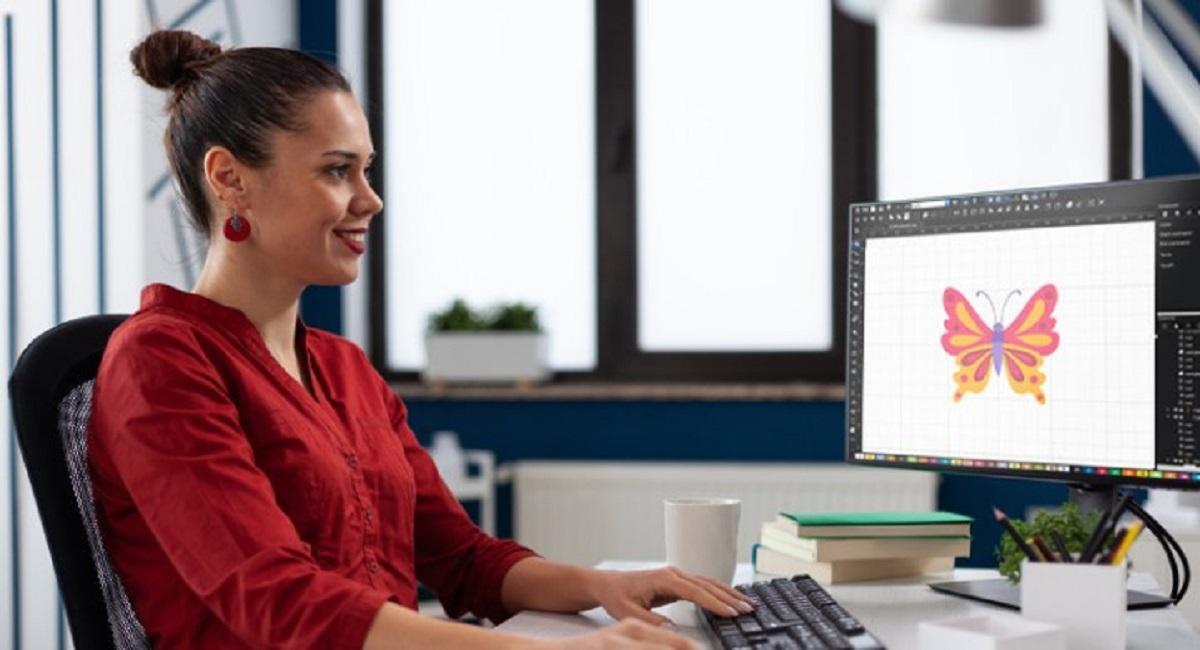
Understanding JPG and PES Formats
You have a JPG file. It is a picture on your computer. Maybe it is a logo. Maybe it is a photo. Maybe it is artwork you created. Now you want to embroider it on fabric.
But there is a problem. Your embroidery machine does not read JPG files. It reads PES files. PES is a special format for embroidery machines. So you need to change your JPG into a PES file. Learning how to turn a JPG into a PES embroidery design is easier than you think. This guide will show you the easiest ways to do it.
JPG files contain pictures. They are raster images. This means they are made of tiny dots called pixels. PES files are different. They contain embroidery instructions. They tell your machine where to stitch and what color to use.
Understanding this difference is important. It helps you know what to expect. It helps you make smart choices about which method to use.
Method One: Using Online Conversion Tools
What Are Online Tools?
Online tools are websites. You upload your JPG file. The website changes it to PES format. Then you download your new file. It is that simple.
This method is fast. It is easy. You do not need to install software. You do not need to learn complicated things. You just use your web browser.
How to Use Online Conversion Tools
Here are the basic steps:
Step One: Find a Tool
Search online for "JPG to PES converter." Many free tools exist. Some tools cost money. Start with free options.
Step Two: Upload Your File
Click the upload button. Choose your JPG file from your computer. Wait for it to upload. This usually takes seconds.
Step Three: Adjust Settings
Most tools let you change settings. You can change the size. You can choose how many colors to use. You can pick the stitch density. Take time to adjust these settings.
Step Four: Convert Your File
Click the convert button. Wait for the tool to work. This usually takes less than one minute.
Step Five: Download Your File
When finished, download your new PES file. Save it to a safe place on your computer.
Pros and Cons of Online Tools
Pros:
-
Very fast and easy
-
No software to download
-
Free options available
-
Works on any computer
-
No learning curve needed
Cons:
-
Quality can be poor
-
Simple designs work best
-
Complex images might not look good
-
Some tools are not reliable
-
Your file goes to a stranger's computer
Method Two: Using Embroidery Software
What Is Embroidery Software?
Embroidery software is a program. You install it on your computer. It is made for embroidery work. It can do many things. It can convert JPG to PES. It can also edit designs. It can resize them. It can add effects.
This method gives you more control. You can make your design look perfect. You can fix problems. But it takes more time to learn.
Popular Software Options
Free Software:
-
Inkscape with plugins
-
Freeware embroidery programs
-
Trial versions of paid software
Paid Software:
-
Wilcom software (professional)
-
PE Design
-
Embird
Paid software costs money. But it gives better results. Professional digitizers use paid software. If you want perfect designs, paid software is worth the cost.
Steps to Convert JPG with Embroidery Software
Step One: Open Your JPG File
Launch your software. Go to the File menu. Click Open. Choose your JPG file.
Step Two: Trace the Image
Most software has a trace tool. This tool finds the edges of your picture. It turns the raster image into vector paths. This is important for embroidery.
Step Three: Adjust Colors
Choose how many colors you want. Fewer colors mean simpler embroidery. More colors mean more realistic looking designs. Start with 3 to 5 colors.
Step Four: Set Stitch Density
Stitch density means how close stitches are together. Tight stitches look solid. Loose stitches look thin. Find the right balance for your design.
Step Five: Preview Your Work
Most software lets you preview. You can see how stitches will look. You can see what your embroidery will look like on fabric.
Step Six: Save as PES
Go to File menu. Choose Export. Select PES format. Save your file.
Pros and Cons of Embroidery Software
Pros:
-
Much better quality results
-
You can edit and fix problems
-
Professional looking designs
-
More control over every detail
-
Can resize without losing quality
Cons:
-
Takes time to learn software
-
Paid software costs money
-
Steep learning curve for beginners
-
Requires computer resources
-
Can be overwhelming at first
Method Three: Hiring Professional Services
Why Hire Professionals?
Sometimes the best way is to let experts do the work. Professional digitizers have skills. They have expensive software. They have years of experience.
Absolute Digitizing understands this process deeply. Professional digitizers know secrets that beginners do not know. They know how to handle tricky images. They know how to make beautiful stitches.
What Professionals Do
Professionals do not just convert your image. They digitize it. This is different.
Digitizing means creating a design from scratch. The digitizer looks at your JPG. They recreate it as embroidery instructions. They make it look beautiful on fabric. They fix problems you did not even know existed.
When to Use Professional Services
Use professionals for:
-
Important logos for your business
-
Photos you love and want perfect
-
Complex designs with many colors
-
When quality is very important
-
When you do not have time to learn software
How Much Does It Cost?
Professional services cost between $25 and $100. Simple designs cost less. Complex designs cost more. This is money well spent for important work.
Tips for Better Results
Choose a Good Quality JPG
Start with a clear image. Blurry images make bad designs. Use high resolution files. Use bright, clear pictures. Do not use tiny images from the internet.
Use Simple Designs
Simple designs convert better than complex ones. Bold logos work great. Photos with many details are tricky. Start simple if you are new to this.
Reduce Colors
Fewer colors mean easier embroidery. Complex photos have too many colors. Limit your design to 3 to 8 colors. This makes embroidery faster and cleaner.
Test on Scrap Fabric
Before embroidering on your real project, test on scrap fabric. See how it looks. See if the size is right. See if colors look good. Make changes if needed.
Understand Your Machine
Different machines read different files. Some machines read PES files. Some read JEF files. Some read both. Check your machine manual. Make sure your file is compatible.
Common Mistakes to Avoid
Using Too Many Colors
More colors does not mean better. Too many colors make embroidery complicated. Your stitches will be messy. Your embroidery will be ugly. Keep it simple.
Sizing Problems
Do not make your design too small. Tiny stitches are hard for machines. Do not make it too big. Giant designs take forever to stitch. Find the right size for your project.
Ignoring Fabric Type
Different fabrics need different settings. Cotton is easy. Stretchy fabric is hard. Thick fabric needs special handling. Think about your fabric before you start.
Not Testing First
Never embroider on your real project without testing. Always test on scrap fabric first. See how it looks. Fix problems before the real work.
Choosing Quality Too Low
Do not always use free tools. Free tools often make bad designs. Cheap conversions look cheap. Invest a little money for good quality. Your embroidery will look so much better.
Comparing Your Options
Use Online Tools If:
-
Your design is simple
-
You need it done fast
-
You do not care about perfect quality
-
You want free solutions
-
It is just an experiment
Use Embroidery Software If:
-
You make designs regularly
-
Quality matters to you
-
You like to have control
-
You want to learn this skill
-
You are willing to spend time learning
Use Professional Services If:
-
Quality is very important
-
It is for your business
-
You do not have time to learn
-
Your design is complex
-
You want the best possible result
Conclusion: Picking the Right Method for You
You have options. You can convert JPG to PES yourself. You can use software. You can hire professionals. Each method has good points. Each method has problems.
Think about your needs. Think about your time. Think about your budget. Think about the importance of your design.
Absolute Digitizing has worked with all these methods. We know what works. We know what does not work. We know when to use which method.
For simple experiments, try online tools. For regular work, learn embroidery software. For important projects, hire professionals. This is smart planning.
Remember that your embroidery machine can only read certain files. PES is one format. Your machine might need a different format. Always check your machine manual first.
Converting JPG to PES is not hard. But doing it well takes knowledge. Take time to learn. Practice on scrap fabric. Ask for help when you need it.
Your embroidery will look amazing. You will be proud of your work. You will enjoy your hobby or business more. That is what matters most.
Start with one method. See how it works for you. Try other methods later. Find what you like best. Soon you will be converting images like a pro.
Do not feel rushed. Do not feel pressured to get it perfect the first time. Embroidery is a skill. Skills take time. Be patient with yourself. Enjoy the process. Your results will improve every time you practice.

 Arabic
 French
 Spanish
 Portuguese
 Deutsch
 Turkish
 Dutch
Dutch
 Italiano
 Russian
 Romaian
 Portuguese (Brazil)
 Greek
Greek